 Kroky
How to find a walking loop near you that starts and ends at your door
Open Kroky and tap Walk Now: it plans a loop that starts and ends where you are, goes through nearby parks and quiet streets where it can, comes back a different way when the streets allow, and fits the steps or minutes you want.

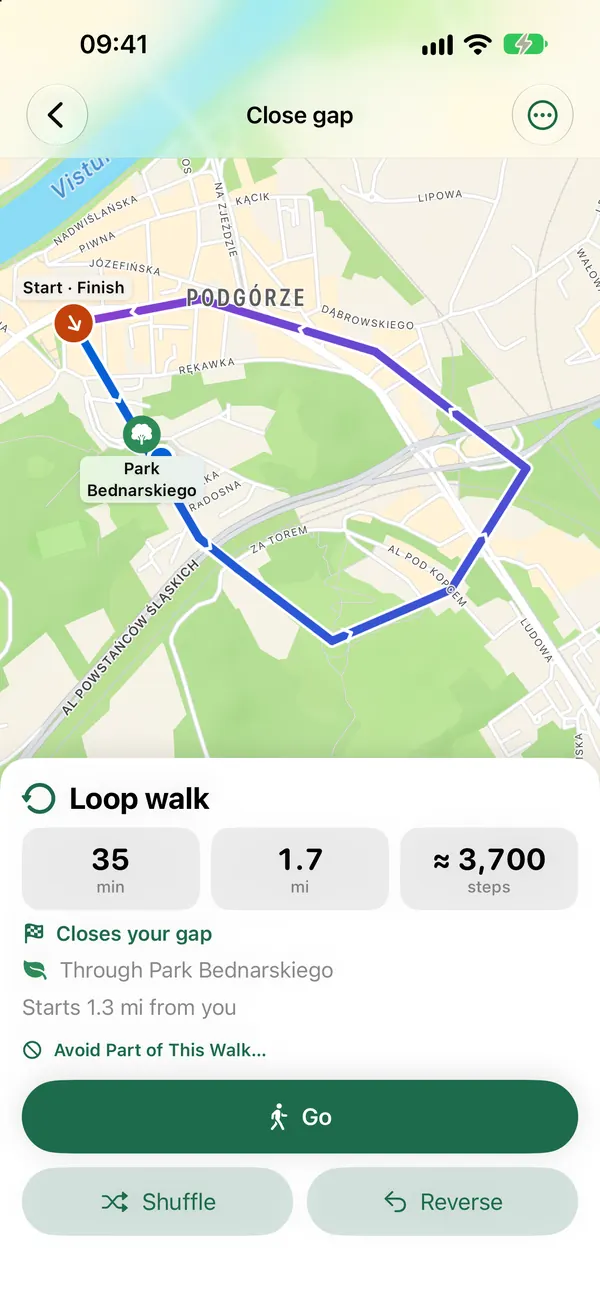
How Kroky finds the loop
Kroky looks for parks, walking paths and busy roads around you with Apple Maps and OpenStreetMap, picks a few points through parks and green spaces and asks Apple Maps for walking directions between them. It tries several shapes and keeps the one closest to the length you need, with the least time beside busy roads.
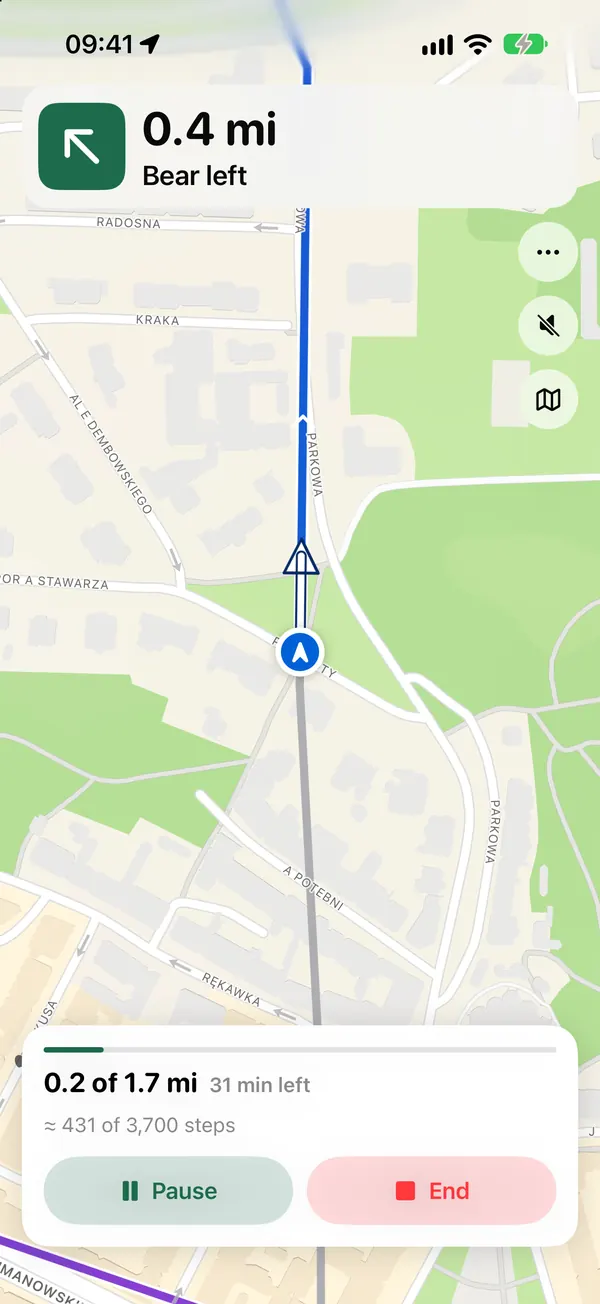
Make it yours
- Shuffle for a different loop.
- Reverse it to walk the other way around.
- Avoid part of a walk you didn't like; future loops keep off it.
- Keep a loop you liked, and Kroky Pro mixes your favorites back in.
Good to know
Loops come from map data, so check what's in front of you: paths can be closed, unlit or muddy. Where there are few parks or paths, Kroky plans the quietest loop it can, or a walk there and back.